How to hide Preferences window at system login?
Solution:
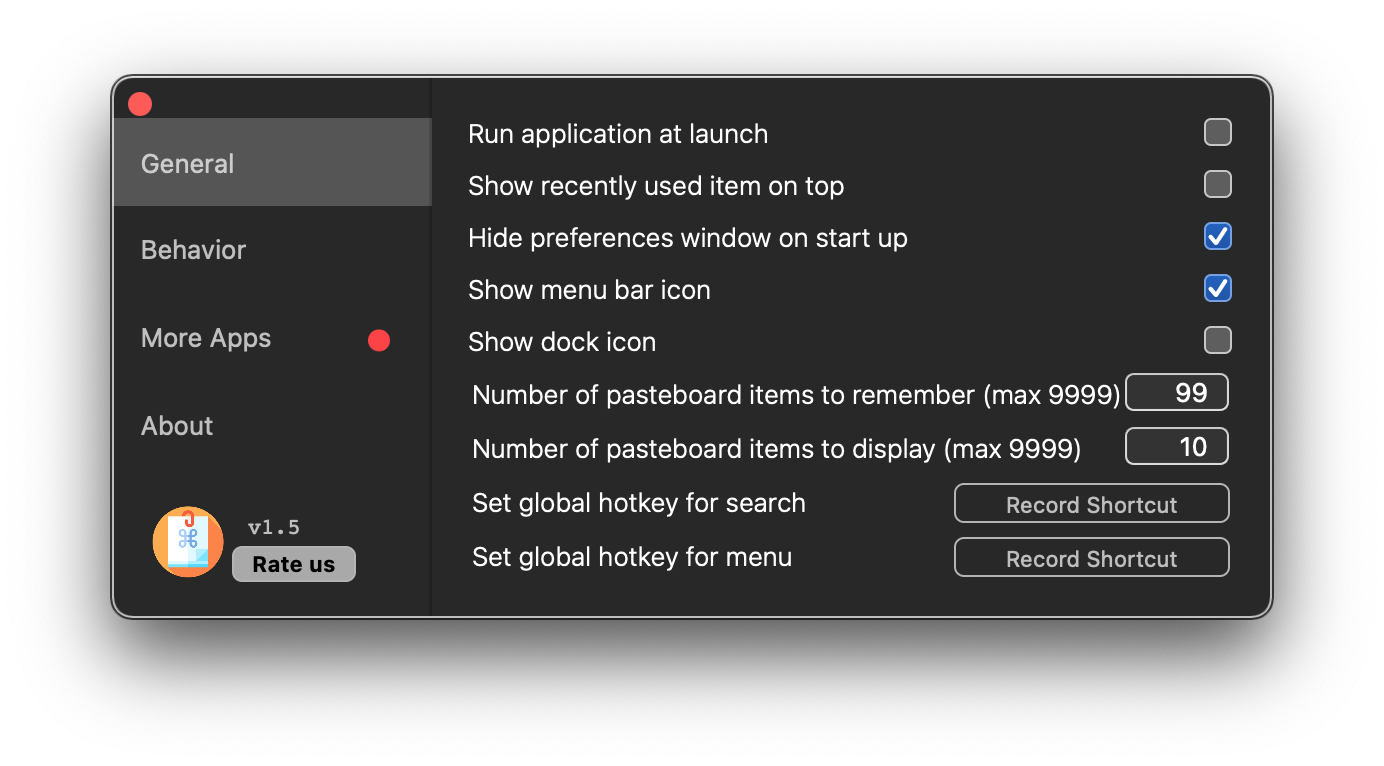
To hide Preferences window at system login, try the steps:
- Go to App Screen
- Tap on Preferences
- Click on the General tab
Select Hide Preferences window on startup.

Modified on: Wed, 23 Jun, 2021 at 4:46 PM
How to hide Preferences window at system login?
Solution:
To hide Preferences window at system login, try the steps:
Select Hide Preferences window on startup.
Did you find it helpful? Yes No
Send feedback